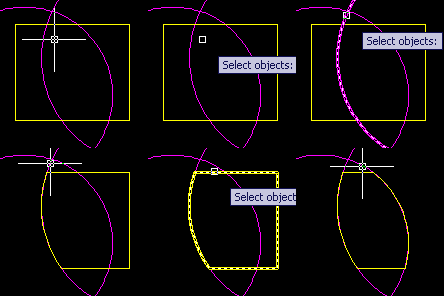
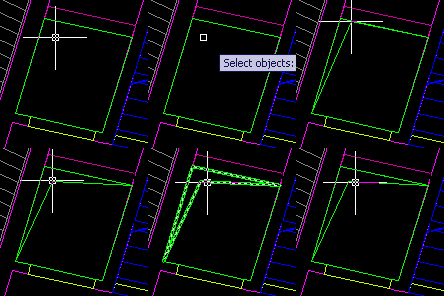
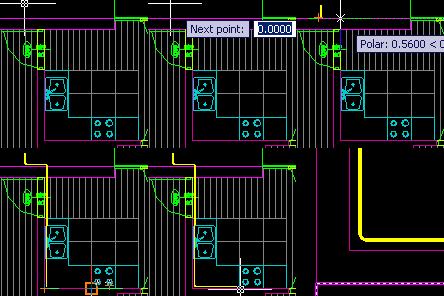
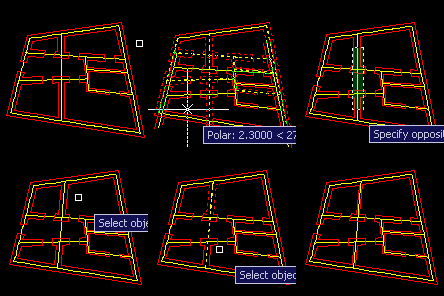
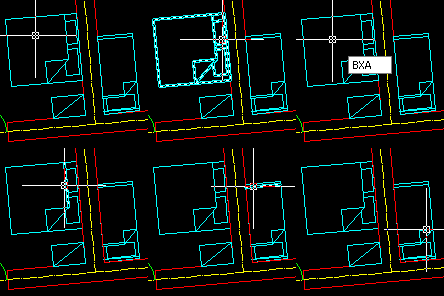
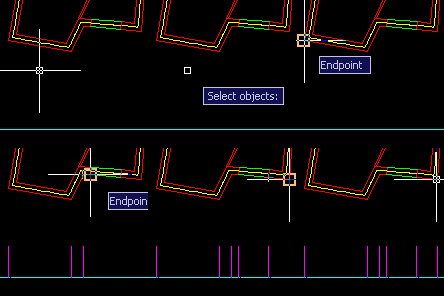
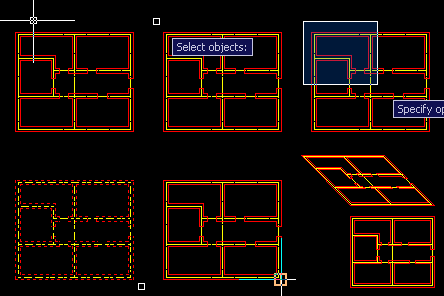
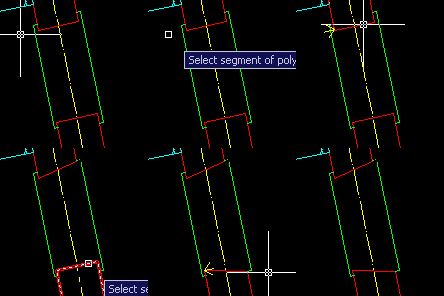
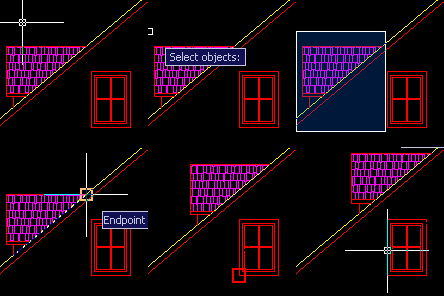
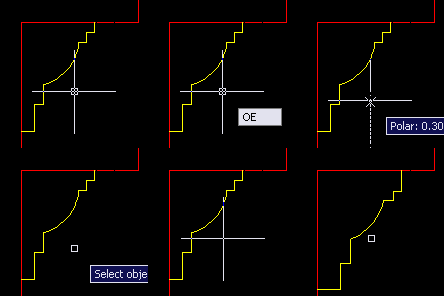
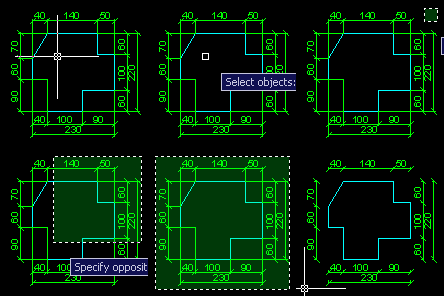
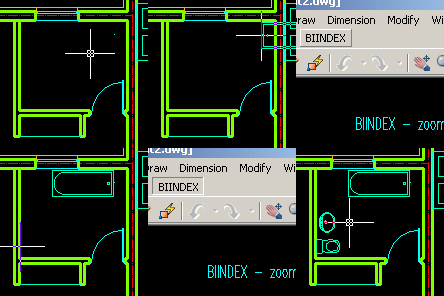
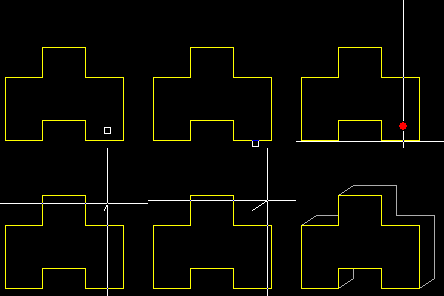
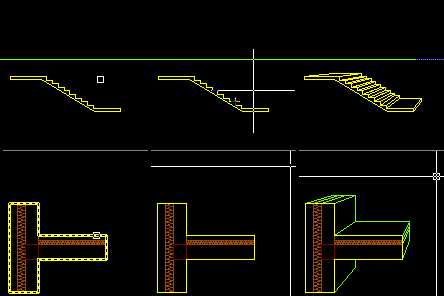
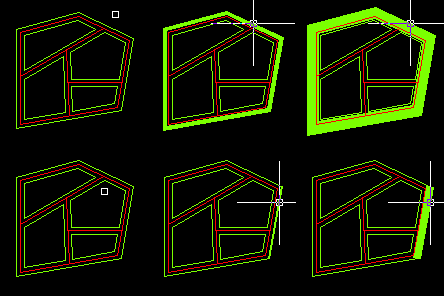
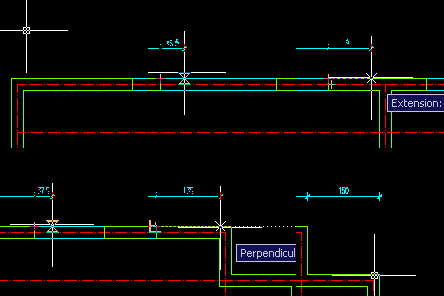
RECL command draws a rectangle (or quadrilateral) between two selected lines or polyline segments. It allows you to close custom shaped holes easily.
AutoCAD commandline entry: RECL
POLYLINES: DRAW PART OF POLYLINE CONTAINED INSIDE OTHER ONE
APLUS can draw part of polyline which lays inside another polyline.
AutoCAD commandline entry: PLIN
POLYLINES: DRAW CEILING HOLE SYMBOL FROM SELECTED POLYLINE
With PLHO command you can draw ceiling hole symbol from selected polyline. APLUS will create new, closed polyline.
AutoCAD commandline entry: PLHO
HATCHES: TURN OFF OR ON ALL HATCHES
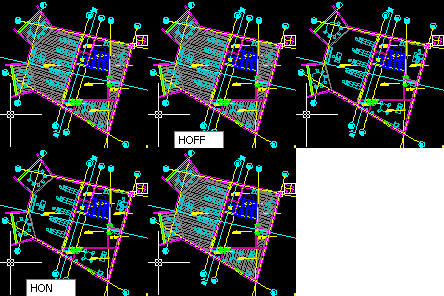
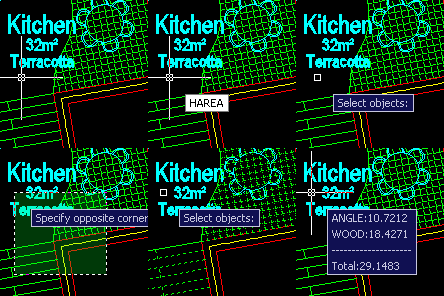
With HOFF and HON commands you may easily control visibility of hatches inside your drawings. This command turns off or on all hatches regardless of their layer.
APLUS can union selected hatches. APLUS will set style of first selected hatch to other selected hatches.
AutoCAD commandline entry: HU
HATCHES: DRAW HATCH BOUNDARY
HBO command can draw boundary of selected hatch pattern. This may help you recover some lost information from a drawing.
AutoCAD commandline entry: HBO
PLUMBING: DRAW DUCTS
After setting some parameters you may easily design ducts both inside and outside buildings.
AutoCAD commandline entry: DUCT
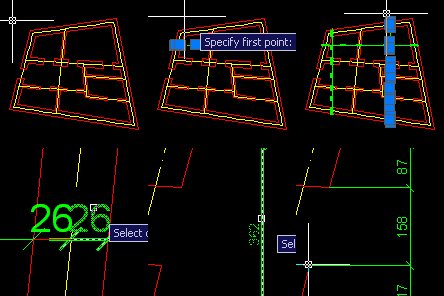
DIMENSIONS: DIMENSION LINES SHIFT
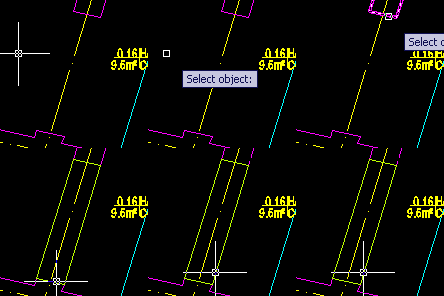
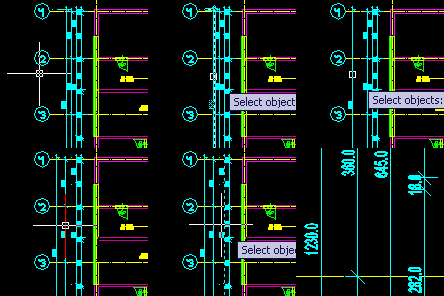
APLUS can detect dimension lines adjacent to one that was selected and then move them to a new position.
AutoCAD commandline entry: DIS
DRAW: DRAW DETAIL RECTANGLE
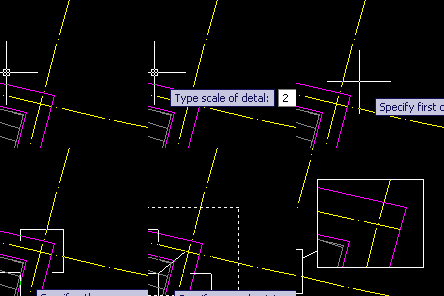
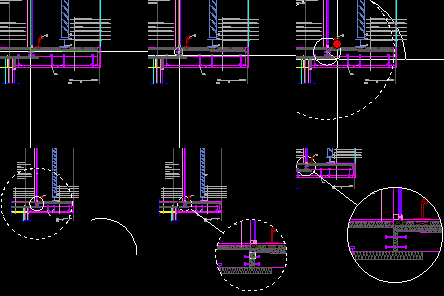
DETAIL2 command works similar to DETAIL command, but it uses rectangular window shape instead of circular in DETAIL.
AutoCAD commandline entry: DETAIL2
POLYLINES: MOVE, ROTATE OR SCALE MULTIPLE POLYLINE SEGMENTS
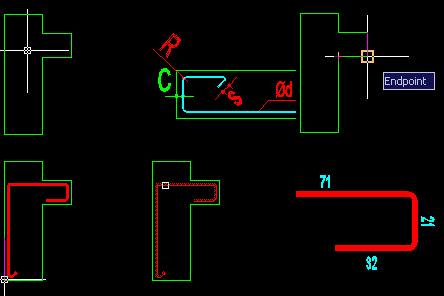
PLM command allows you to move multiple polyline segments at once. PLRO rotates polyline segments and PLSC scales them. With these commands you may modify polylines freely.
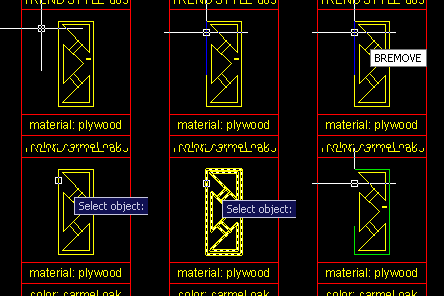
With BREMOVE command you may remove selected objects from block definition. Duplicate of removed objects will appear in the same place. Objects are removed from all instances of the block.
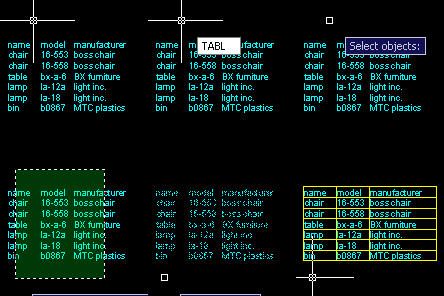
APLUS is able to draw table borders for selected TEXT or MTEXT objects. TABL command detects borders between selected text objects. Overlapping texts are ignored.
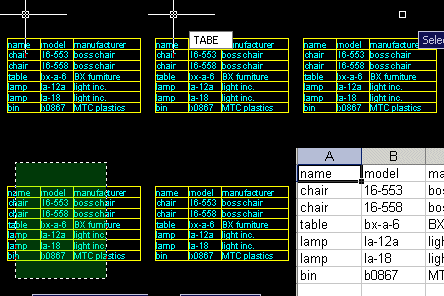
TABE command allows you to export selected TEXT or MTEXT objects to Microsoft Excel. APLUS will detect position of selected texts and copy them into new excel sheet. Overlapping texts will be ignored.
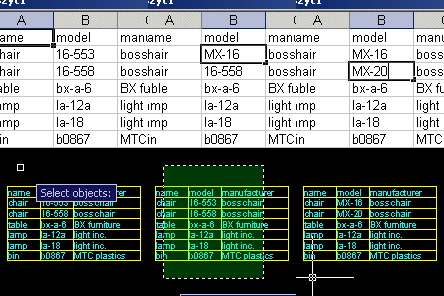
APLUS allows you to import contents of Microsoft Excel file. TABI command will replace contents of selected TEXT or MTEXT objects with contents from selected Excel file.
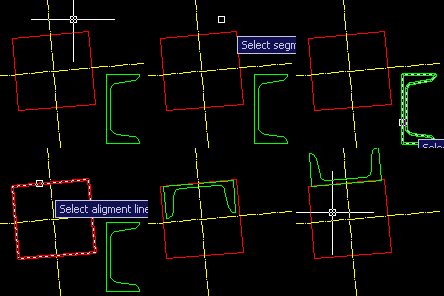
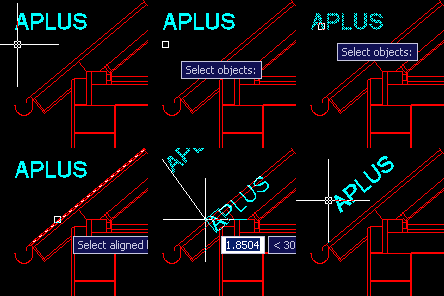
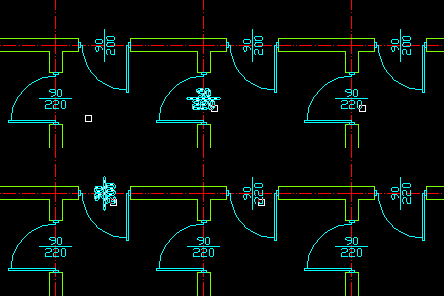
ALT command may be used to align selected TEXT or MTEXT object to specified line or polyline segment. After choosing aligment line (angle) you may also set new position.
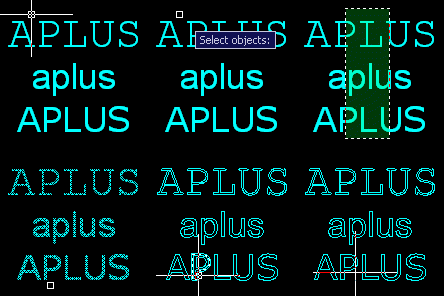
TX command allows you to explode any TEXT or MTEXT object. As a result APLUS will create new polyline objects in place of exploded TEXT or MTEXT object.
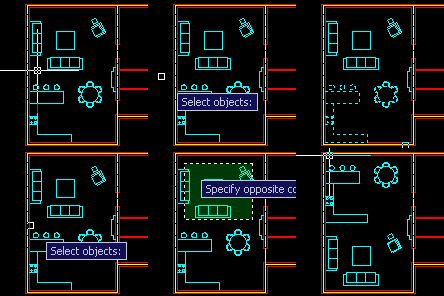
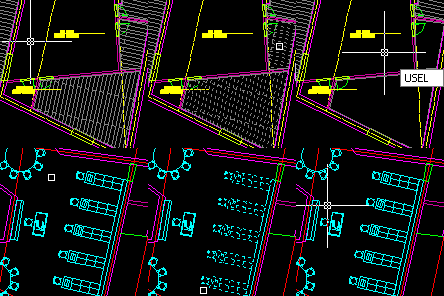
SELECT: HIDE OR ISOLATE SELECTED OBJECTS (JUST LIKE IN 3D STUDIO)
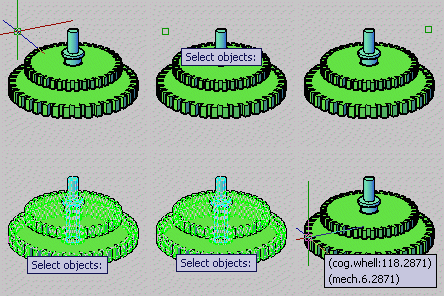
With HSEL and ISEL commands you can hide or isolate selected objects just like in Autodesk 3D Studio MAX. Use USEL command to restore hidden objects objects.
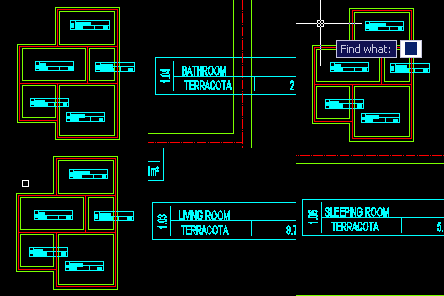
With APLUS you can replace multiple texts. Just specify phrase to be replaced and specify new content. APLUS will search for specified phrase in specified area and replace all instances.
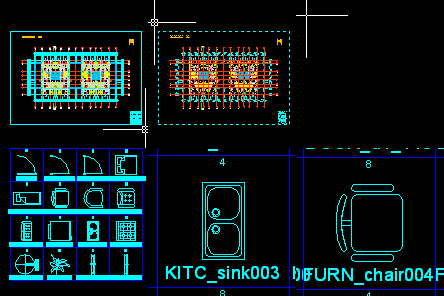
There are numerous blocks that you have to import into drawing with specified order, such as north indicators or furniture, with APLUS you will be asked for insertion angle just after placing them.
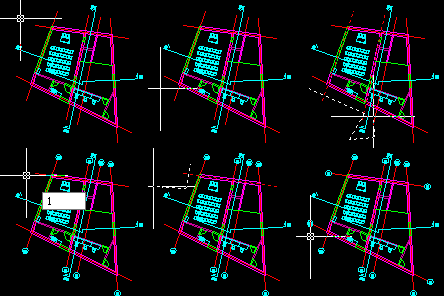
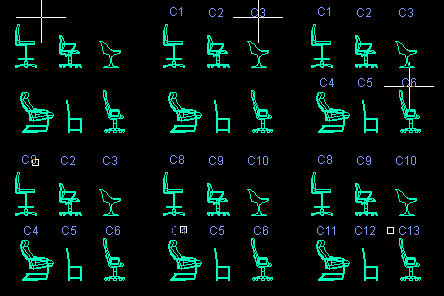
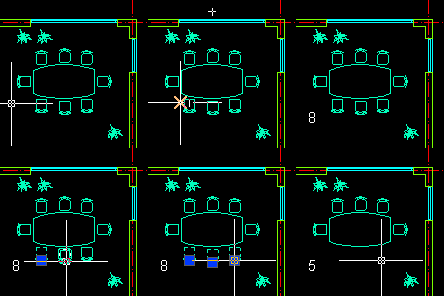
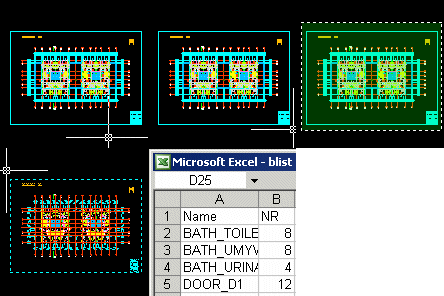
Select block and specify where do you want to place counted value. APLUS will link it with real number of blocks, so whenever number of blocks will change, you can update it.



 ALPL
ALPL